
|
|
|
User's Guide - Price List
|
 Price List Price List
This allows you to list items or services you offer for other website visitors to browse. |
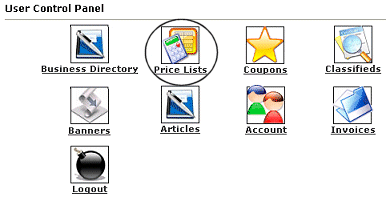 |
Once you have a business listed in our directory, you are able to add in a price list. Click on the icon that is circled in this image (Price Lists) to access the Pricelists management area.
Note: One users who have a standard or premium business listing in our directory can access and utilize this area. |
| When you first access the Price Lists, you will see your business(es) listed.
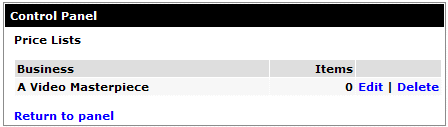
Click on Edit to add your list. If you have more than one business registered, you will need to select the corresponding Edit link for that particular business.
|
 |
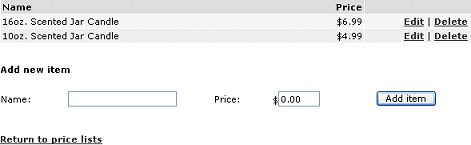
You will add the name of the item you want to list, give it a price, and click the Add Item button. You will then see your item listed. If you need to change the name or price, click on Edit or if you need to remove an item click Delete. You can come back anytime and add or remove items from this same screen. |
| Close this browser window to return to the Guide. |
|
|

|
|
