
|
|
|
User's Guide - Invoices
|
 Invoices Invoices
The Invoice section shows you payments made, as well as payments due. |
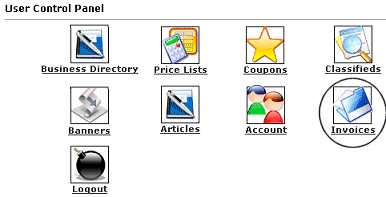 |
You will want to login to your account. Click on the icon that is circled in this image (Invoices). |
|
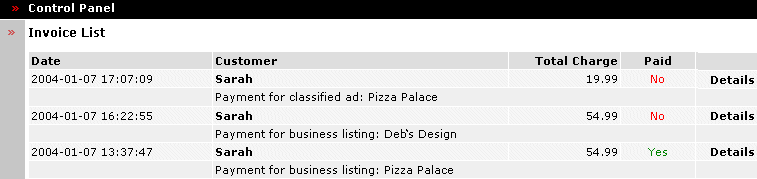
The Invoice List is where you go can view payments you have made and payments that are due. Payments due will say No and payments paid will say Yes. Services that say Nowill not be active until paid. You may click on Details to view the invoice to see the payment details.
|
| Close this browser window to return to the Guide. |
|
|

|
|
